Your Elgato stream deck,
over WiFi.
Control supported non-Elgato decks using Elgato software. DeckBridge connects them over network. No Network Dock ($70+) required.
sudoQuick start
Running in two minutes
Plug in your deck
Connect a supported USB deck. macOS asks for Input Monitoring once.
Open the Elgato app
On any machine on the same LAN. The deck shows up like real Elgato hardware.
How it works
One bridge, two protocols
DeckBridge speaks USB HID to your deck and emulates an Elgato Network Dock on the LAN. The Elgato desktop app discovers it like real hardware.
Key presses travel deck → DeckBridge → app. Button images travel back, resized and rotated to match your device before they're written over USB.
Why
What you can do with it
Reuse a non-Elgato deck
Drive a Mirabox or Ajazz deck from the official Elgato app — it looks like genuine hardware.
Save $70+ on the Network Dock
Skip the hardware dock — run this app instead and use a USB deck over WiFi.
Skip opaque vendor software
Use supported decks without bundled software claiming broad system telemetry.
Hobby control surface
A budget board for personal streaming, shortcuts, and scene switching.
See it
The built-in web UI
DeckBridge serves its own control panel at localhost:3000 — a guided pairing flow that walks you through connecting the deck to the Elgato app.
Compare
How it stacks up
Against the official Network Dock and the closed app that ships with many non-Elgato decks.
- Cost
- Free
- Source code
- Open, auditable
- Data collection
- None
- Who's behind it
- Public GitHub repo
- Works in the Elgato app
- Yes
- Works in Bitfocus Companion
- Yes
- Over WiFi / LAN
- Yes
- If it breaks your PC
- As-is, hobby use
- Cost
- ≈ $70 hardware
- Source code
- Closed
- Data collection
- Per Elgato policy
- Who's behind it
- Elgato / Corsair
- Works in the Elgato app
- Yes (native)
- Works in Bitfocus Companion
- Yes
- Over WiFi / LAN
- Yes
- If it breaks your PC
- Consumer warranty
- Cost
- Free download
- Source code
- Closed binary
- Data collection
- Device, installed apps, peripherals — no privacy policy
- Who's behind it
- Anonymous vendor, .vip download domain
- Works in the Elgato app
- Its own app only
- Works in Bitfocus Companion
- Its own app only
- Over WiFi / LAN
- USB only
- If it breaks your PC
- Liability capped at $50, "as-is"
"Deck's bundled app" reflects red flags found in the EULA of one non-Elgato deck's Windows software: an anonymous publisher with no listed address, a .vip download domain, broad system telemetry with no privacy policy, and liability capped at $50. DeckBridge ships no EULA — the source is the contract.
Hardware
Supported devices
Hardware tested
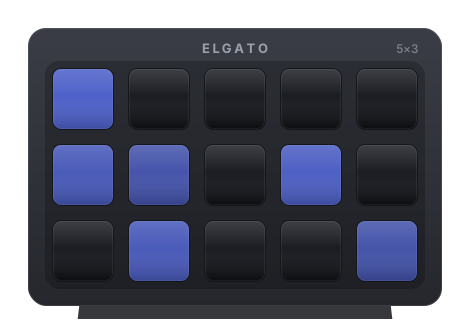
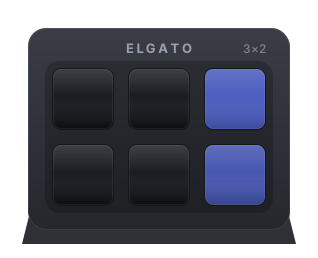
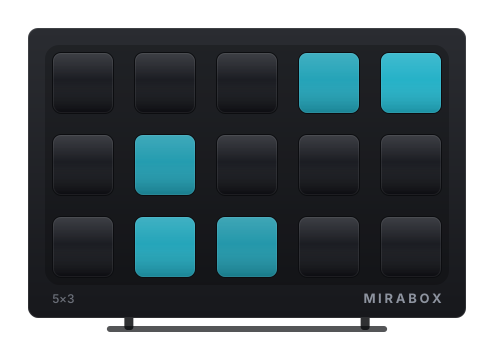
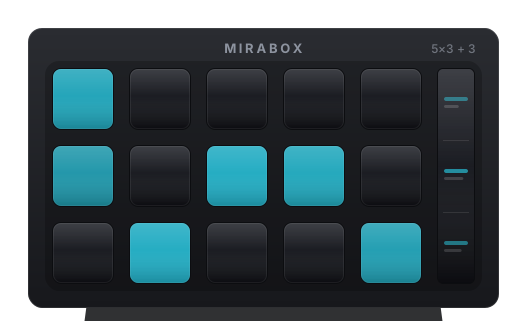
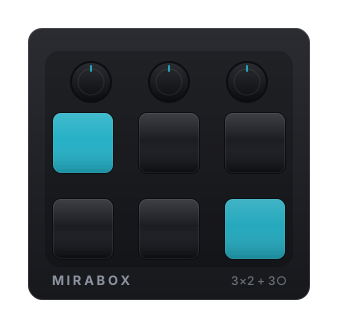
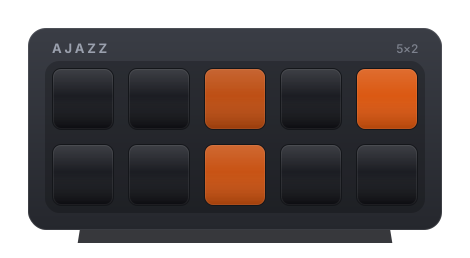
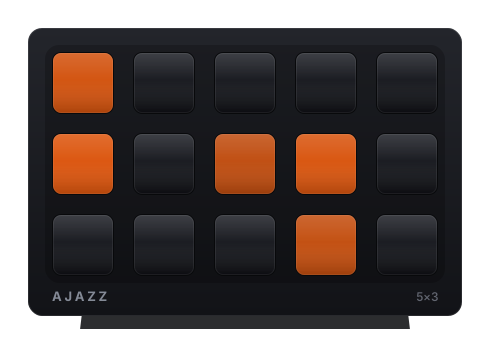
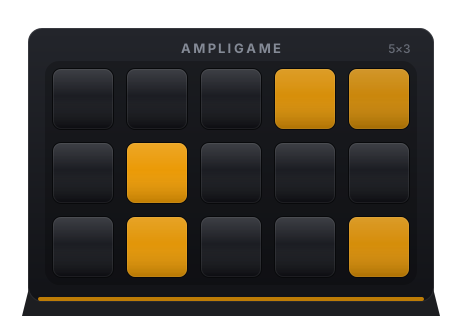
Also supported · untested
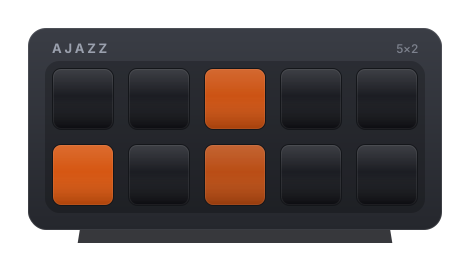
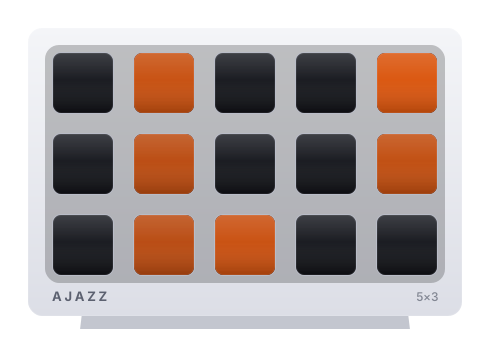
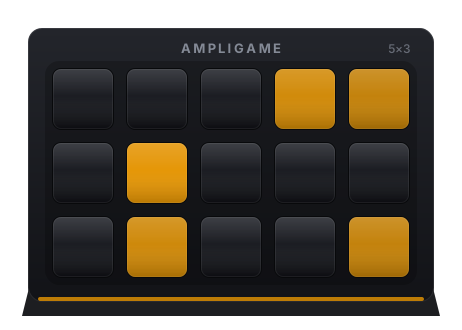
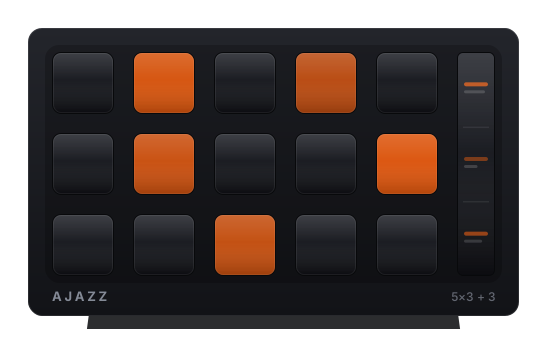
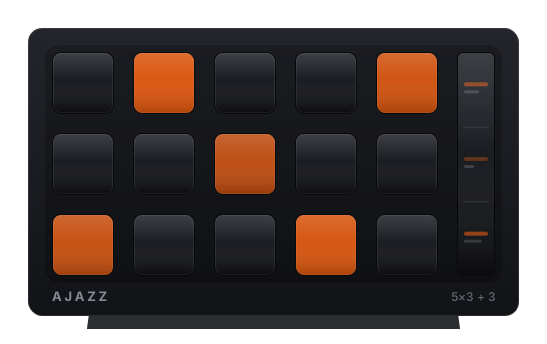
More supported · untested
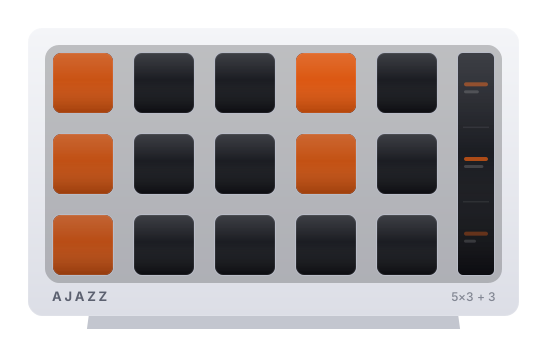
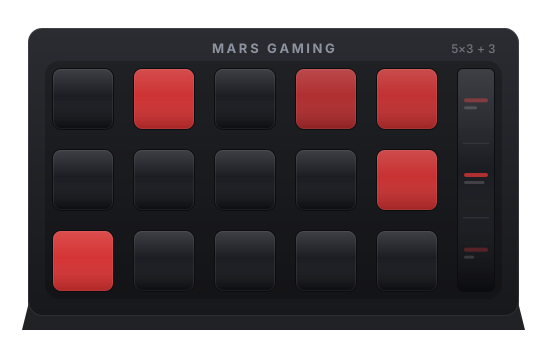
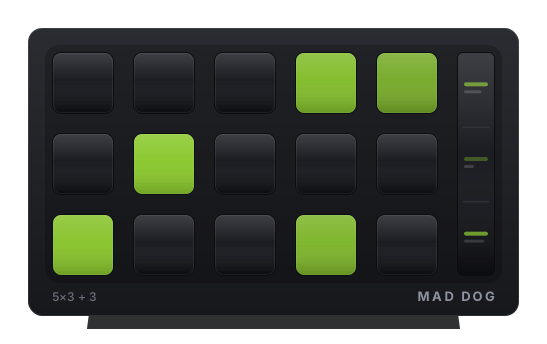
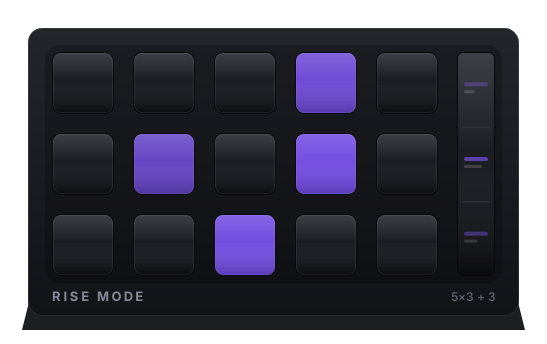
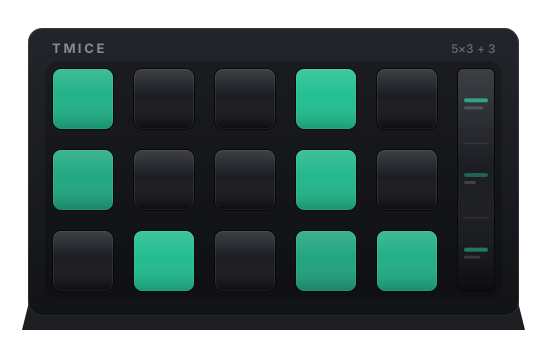
Hover to pause · switch to list view anytime
Tested on macOS — the Linux / Windows builds are implemented but not hardware-verified.
No other models planned. Wire up your own →
Under the hood
Built with
⚠ Not affiliated with Elgato / Corsair. "Stream Deck" and "Elgato" are trademarks of their respective owners. DeckBridge is for hobby and personal use only and does not replace the Elgato Network Dock. For professional or reliable setups, use officially supported Elgato hardware.
ℹ Nothing reverse-engineered. The USB HID and Elgato CORA protocol handling is reused from existing open-source projects - DeckBridge only wires that prior work together.