deckbridge 0.14.2
Deckbridge 0.14.2 adds an opt-out update check and live device tuning, plus a Windows portable zip, sharper app icons, a visible app version in the web UI, and accessibility fixes.
Update check
DeckBridge now tells you when a newer release is out. Once ~30 seconds after startup and then every 24 hours, it makes a single unauthenticated request to the GitHub releases API and shows a badge in the web UI if there is something newer. It is notify-only — nothing is downloaded or installed — and it sends no machine id and no usage data.
Turn it off with the Check for updates toggle in Settings, or "updateCheck": false
in settings.json. Check now runs the check on demand. Details in privacy.


Device tuning
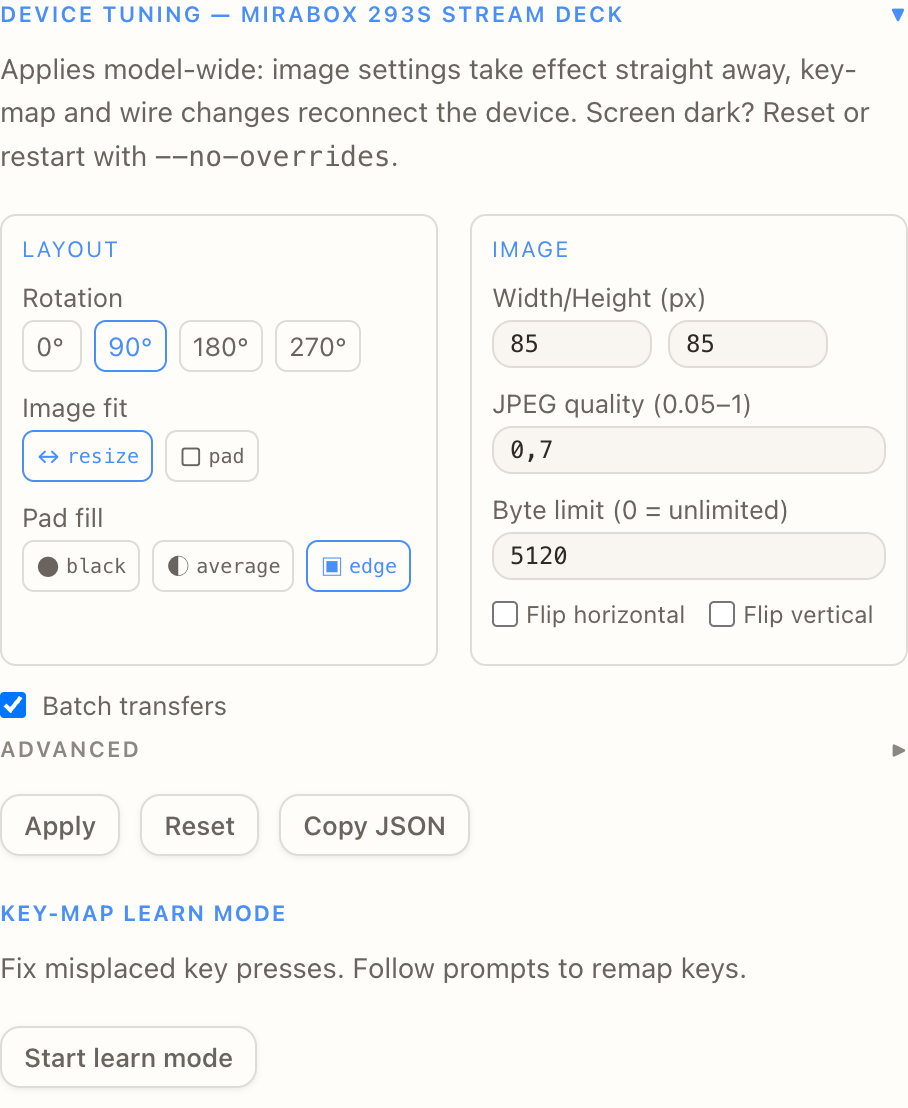
- Image tuning now applies live: changing fit, rotation or flip repaints the dock from the cached frames instead of reopening the device, so there is no disconnect flash. Key map, wire and splash settings still need a reopen, since the driver reads them when it opens the device.
- Fixed the tuning form's Image fit control doing nothing on devices with a legacy per-device image mode override — the old override was re-applied after the merge and overwrote the tuned values on every frame.
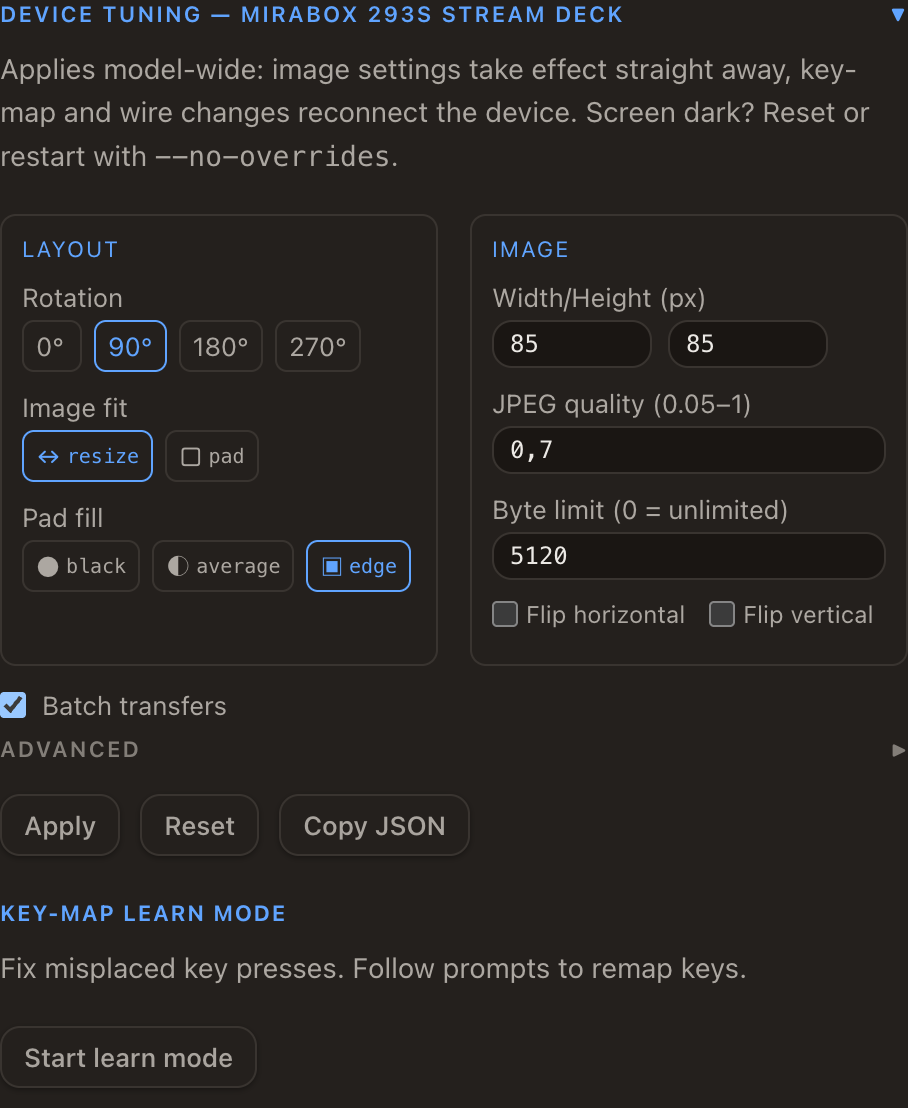
The panel text now says which changes are instant and which reconnect:
Windows
- New portable zip alongside the NSIS installer — unzip and run, no install step.
- Release executables are stamped with proper version info, so Windows file properties and installer dialogs show the real version.
Icons
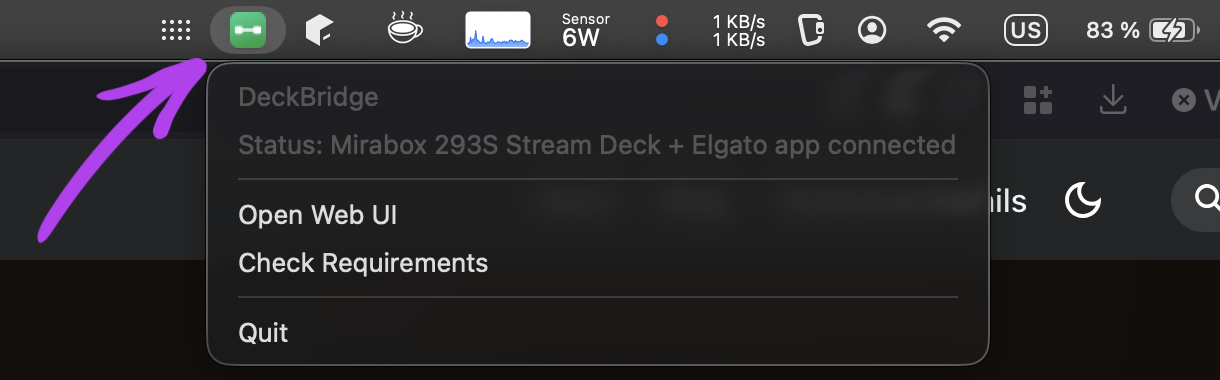
App and tray icons are updated. On macOS the tray icon sits in the menu bar — green once the deck is open and the Elgato app is connected:
Web UI
- The topbar now shows the running app version, with build details in the about popover — handy when reporting an issue.
- Accessibility fixes across the UI, plus corrected heading structure on the blog list.
Docs
The README device list is now a table, so supported decks are easier to scan, and there is an architecture diagram.
Full changelog and downloads: deckbridge-v0.14.2