Features & Use Cases
DeckBridge turns a USB Stream Deck into a network device the Elgato app can use over WiFi.
Live demo
Try the live demo with a mock deck in your browser, without installing anything. Real device mode in desktop Chrome, Edge or Opera drives your deck's keys and brightness over WebHID, plus the strip and knobs on AKP05 and AKP05E.
Use a budget deck with the Elgato app
DeckBridge lets the official Elgato Stream Deck app drive cheap, non-Elgato decks —
Mirabox, Ajazz, and similar boards, from 6-key minis to 15-key (3×5) decks. The app sees
a regular Network device at localhost; the deck behaves like Elgato hardware.
Feature overview
- Network Dock emulation — Elgato CORA protocol over TCP, advertised via mDNS
_elg._tcp("Network Stream Deck"); the app discovers it like real hardware. - Works with non-Elgato decks — supported Mirabox / Ajazz decks present themselves to the app as an Elgato model it already knows, so nothing changes app-side.
- Browser deck (opt-in) — a phone or tablet becomes one more network dock, with press and hold; see Browser deck.
- Multiple decks (opt-in, max 2) — off by default: DeckBridge uses one deck and stops looking for further USB devices once it is connected. Switch it on in Settings and a second deck appears as its own network dock, with per-deck pairing cards, a selectable live preview, and per-deck brightness in the web UI; see Multiple decks for the walkthrough and Limitations for the rules and caveats.
- Per-device image pipeline — resizes, rotates, and (for the K1 Pro) re-encodes every button image to the device's native format via a Rust native library, with a cache to skip repeat work.
- Extensions — optional features you download separately and switch on in Settings, so the app stays small for everyone else; see Extensions. The Statistics extension shows uptime, key and dial presses, processed key images, cache hit rate, reconnects, and a 15-minute activity chart, per deck or for all decks; it is session-only and never leaves your machine.
- Non-blocking by design — USB HID and the image transforms run on a separate worker thread, so the network ACK loop and web UI never stall.
- Side-key widgets — decks with display-only keys outside the grid (e.g. the 293S sixth column) show server-rendered clock / date / text / weather / command / plugin widgets; see Side-key widgets.
- Page-following layouts — save an Elgato page once, give it its own side-key and touch strip layout, and the deck switches layouts when the app changes page; see Layouts that follow the Elgato page.
- Push API — other tools (OBS, Home Assistant, scripts,
deckbridge push) write text onto side keys and AKP05/AKP05E strip zones over token-authenticated HTTP, with a TTL; see Push API. - Standby and burn-in care (opt-in) — dim or turn off an idle deck, show a dim moving clock while the Elgato app is away, run a night-time brightness window, and shift DeckBridge's own widgets by 1 px; see Standby and burn-in care.
- Live web UI —
http://localhost:3000shows the key grid and a log feed in real time. - Device tuning — rotation, flip, image fit, quality and size are adjustable at runtime per model, with a key-map learn mode that derives the correct key mapping from the hardware itself. For boards supported from documentation rather than from hardware we own; see Device tuning.
- Log file + diagnostics report — logs are written to disk (rotated, ~6 MB cap), and
a single pasteable report can be produced from the web UI or with
./deckbridge diagnose— which works even when the web UI never starts. See Troubleshooting. - System tray + diagnostics — packaged releases (installers and release zips) include
a status tray icon (states) and a
/requirementsself-check page. - Standalone binary — one <5 MB file built on txiki.js; no Node.js.
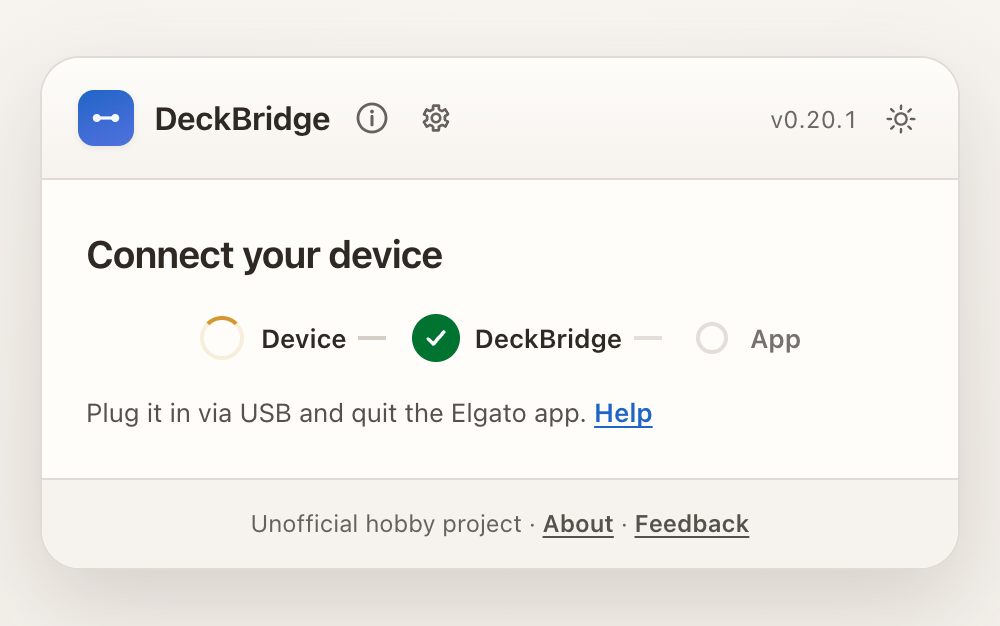
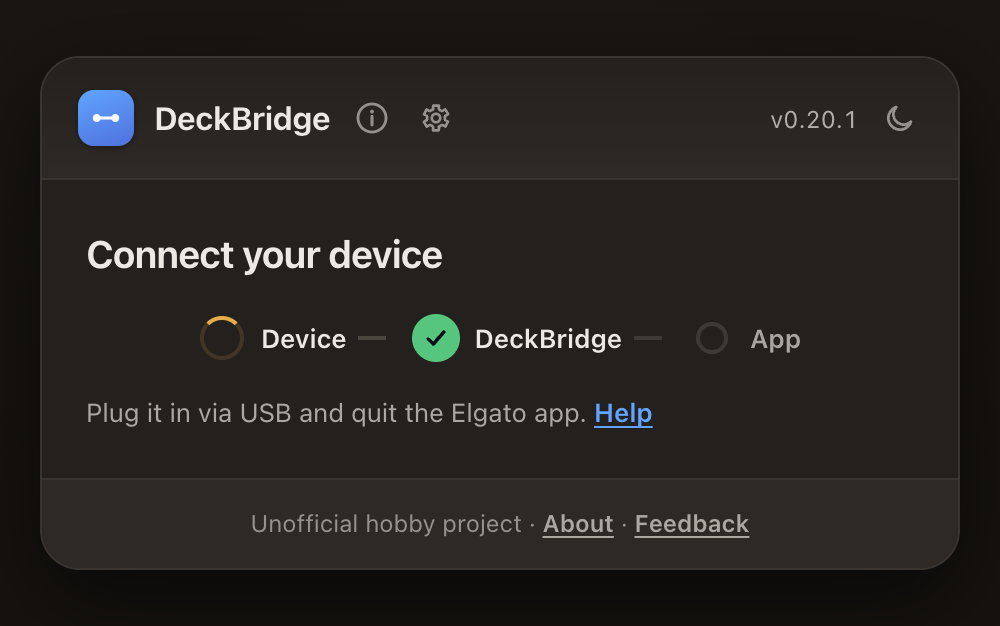
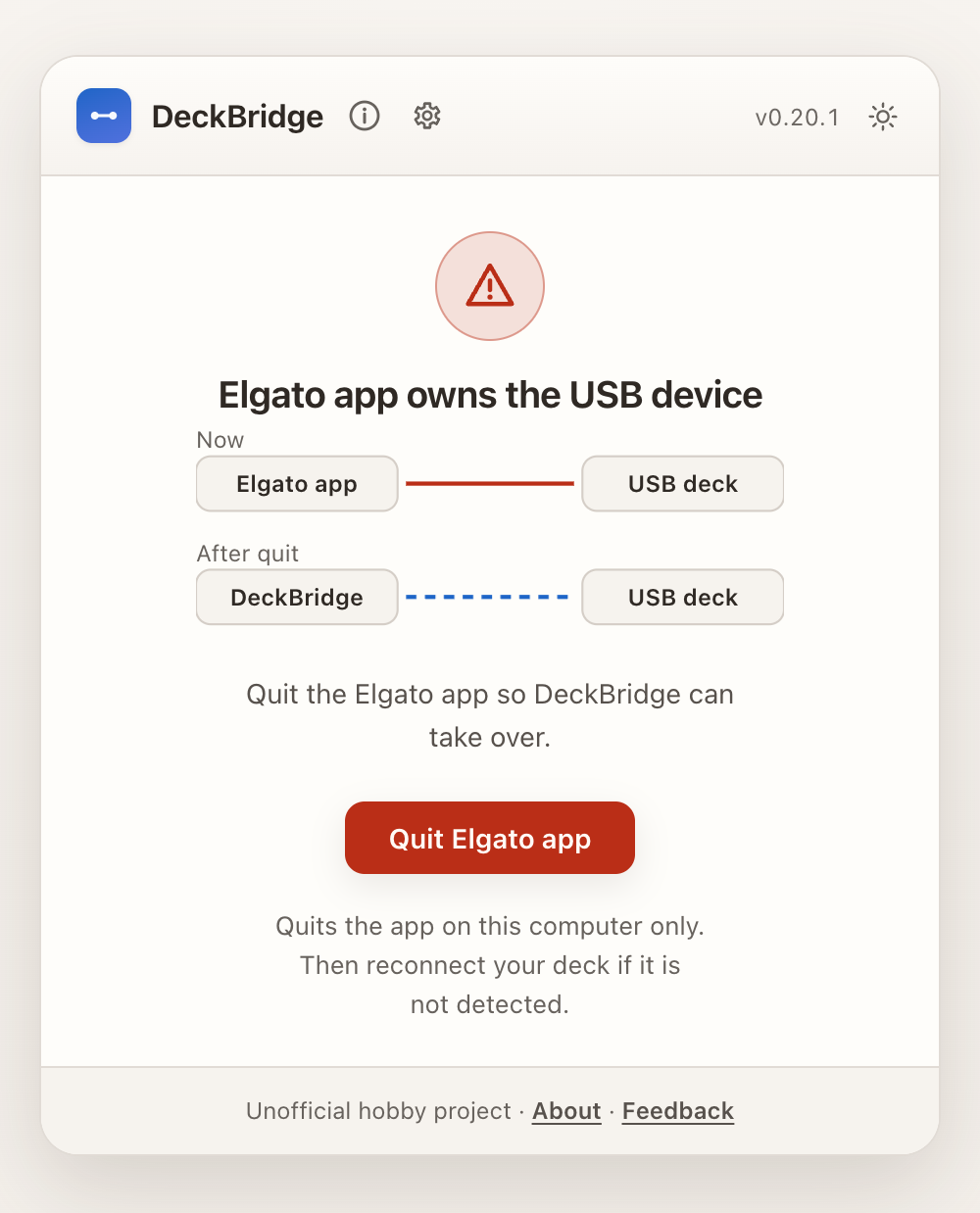
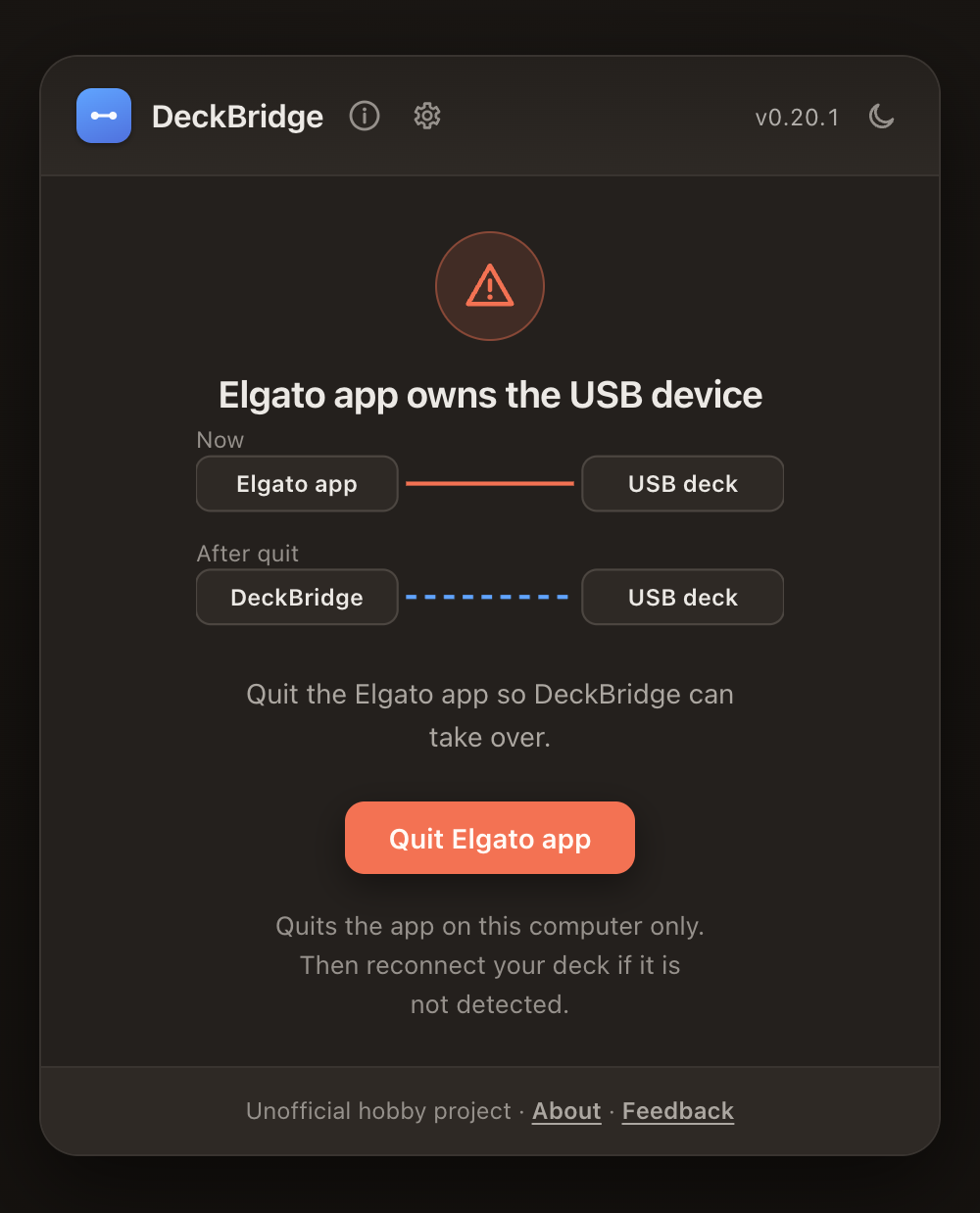
Web UI states
Web UI always shows current setup state. No guessing required.
| Waiting for USB | Elgato conflict |
|---|---|
  |   |
| Ready to pair | Connected and working |
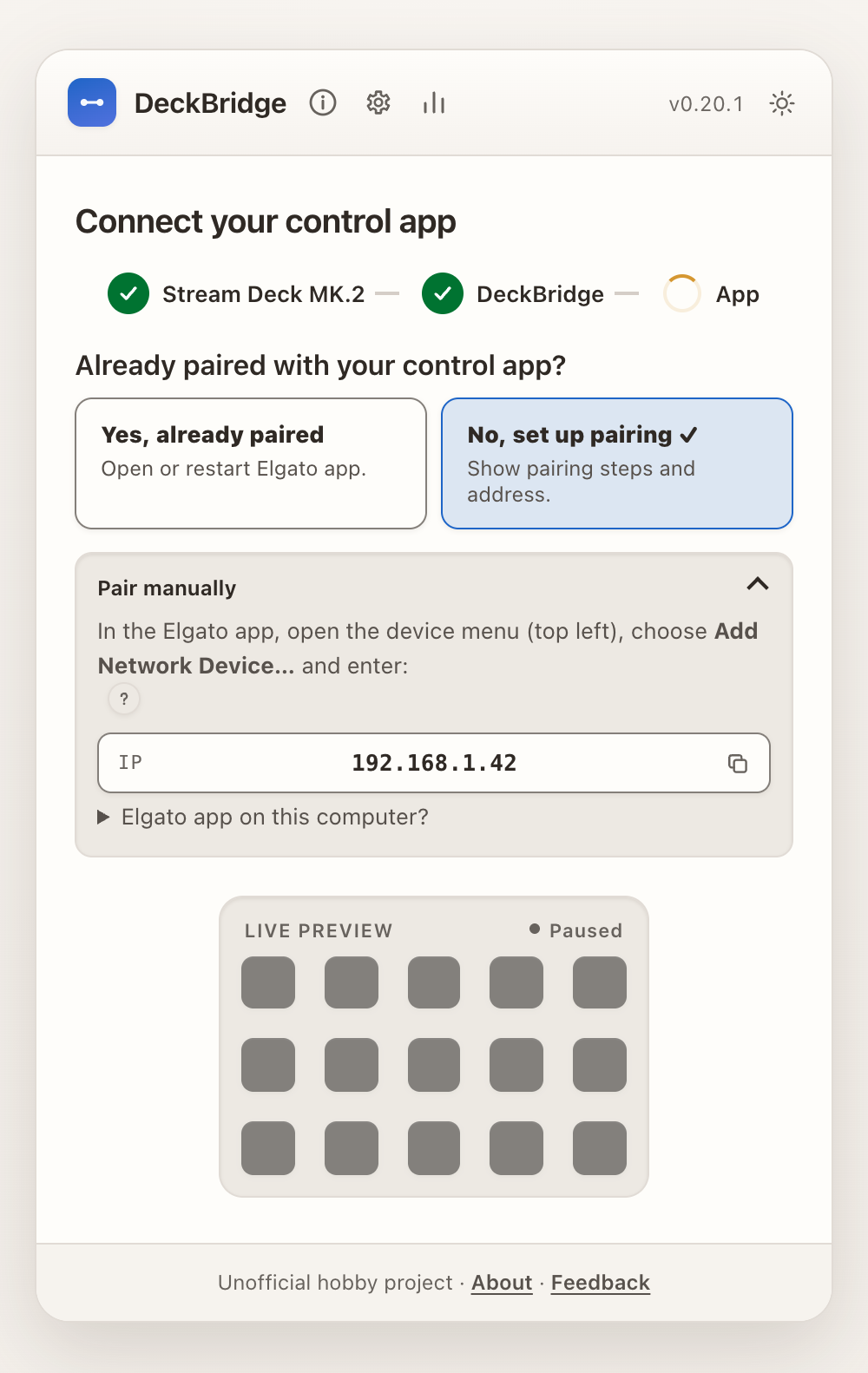 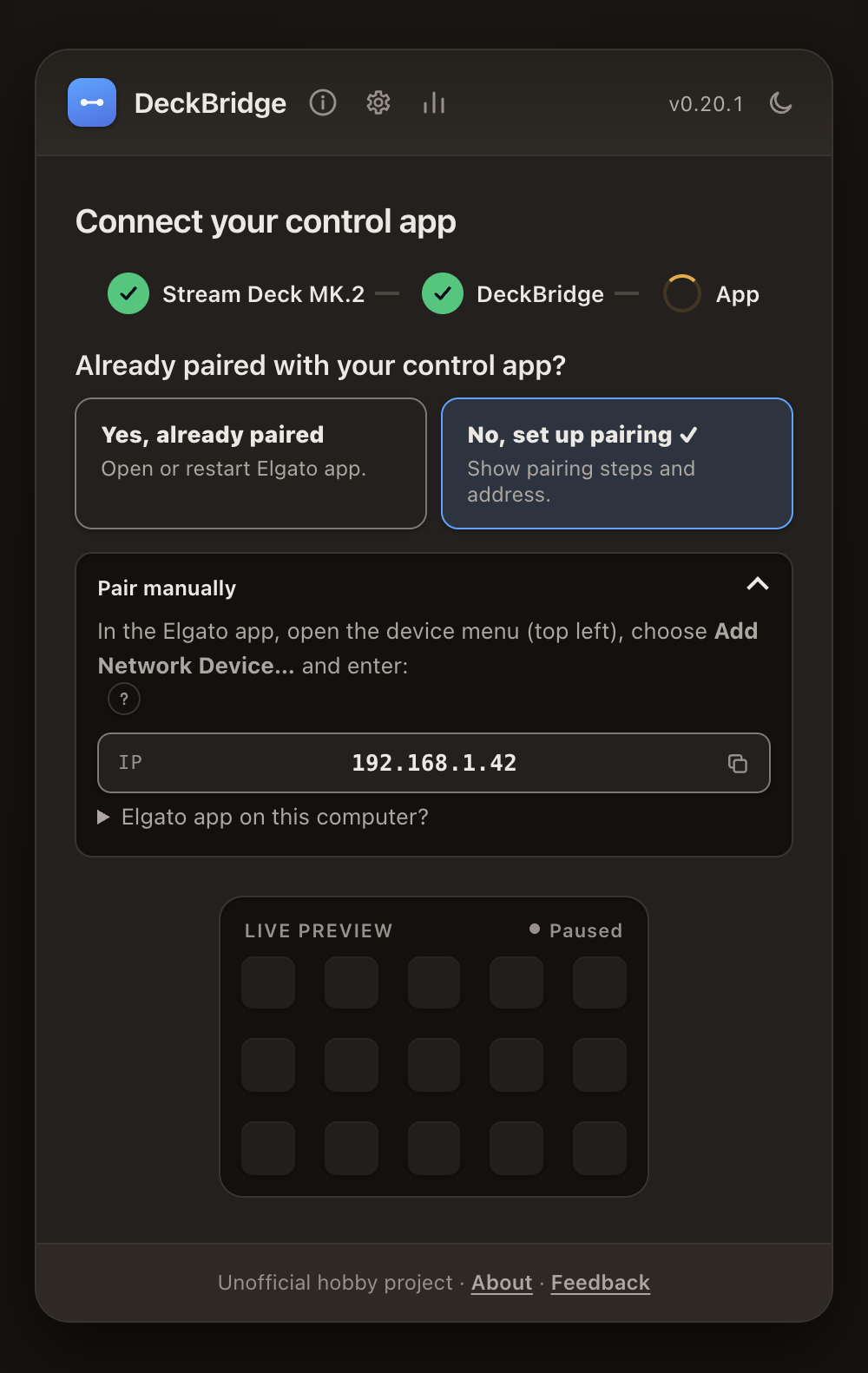 | 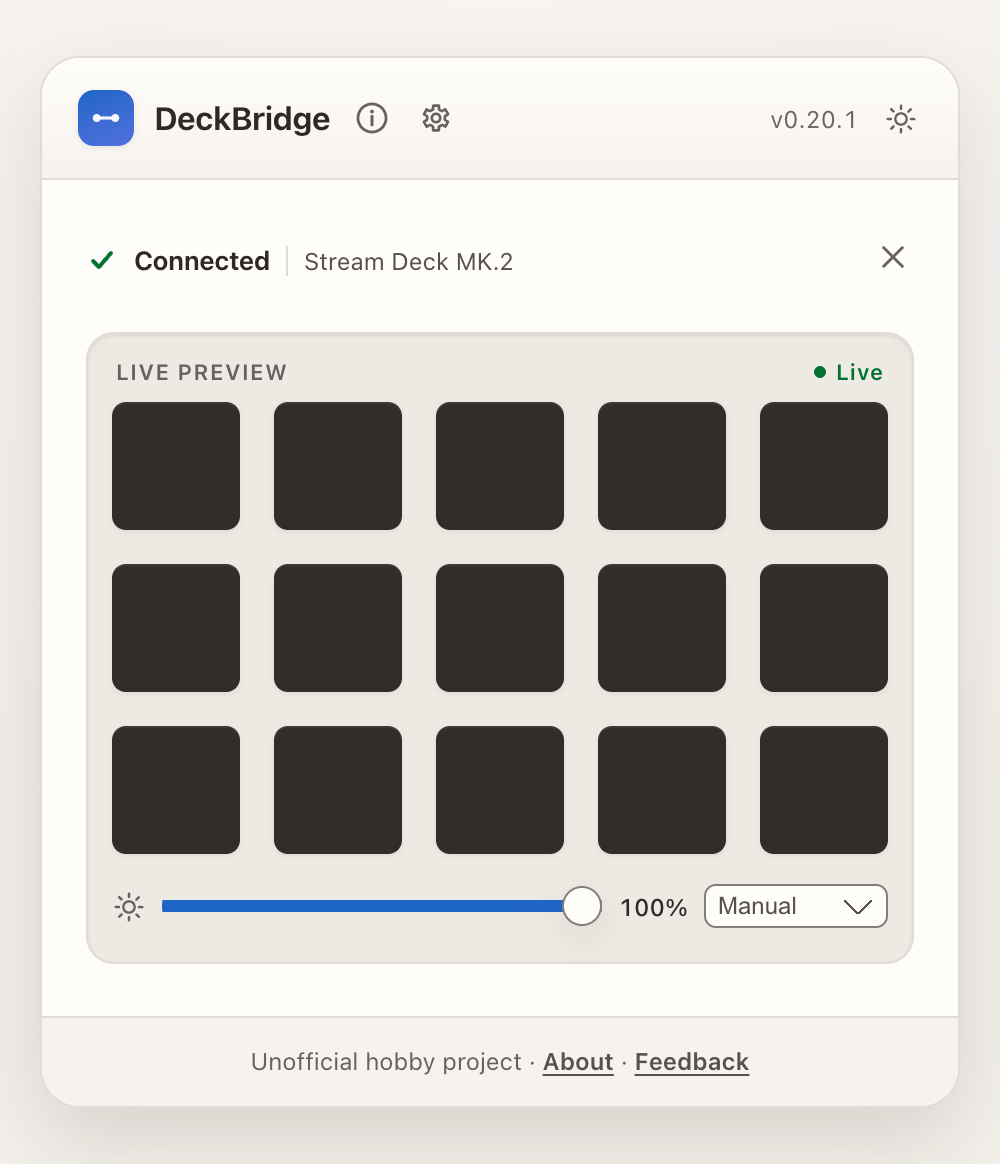 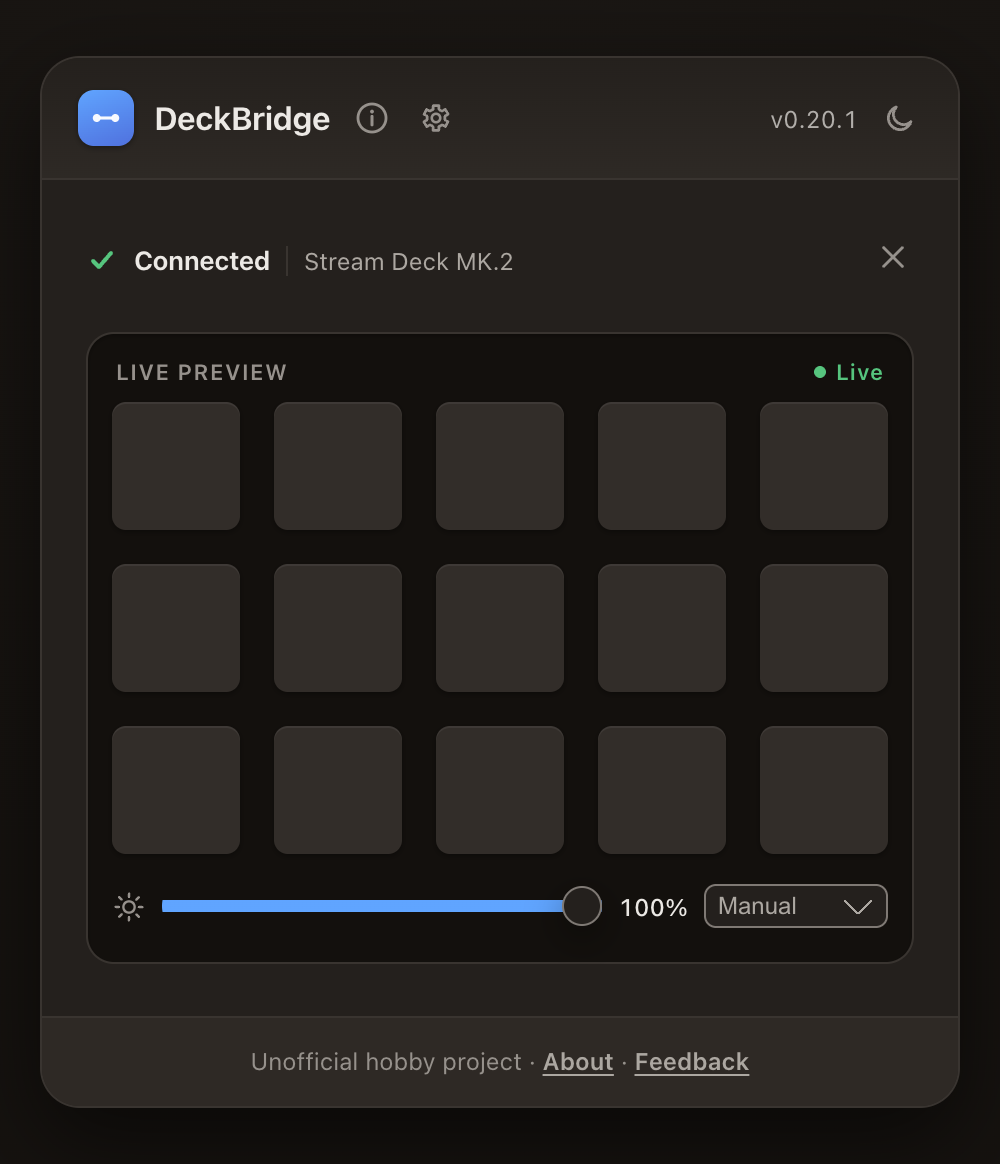 |
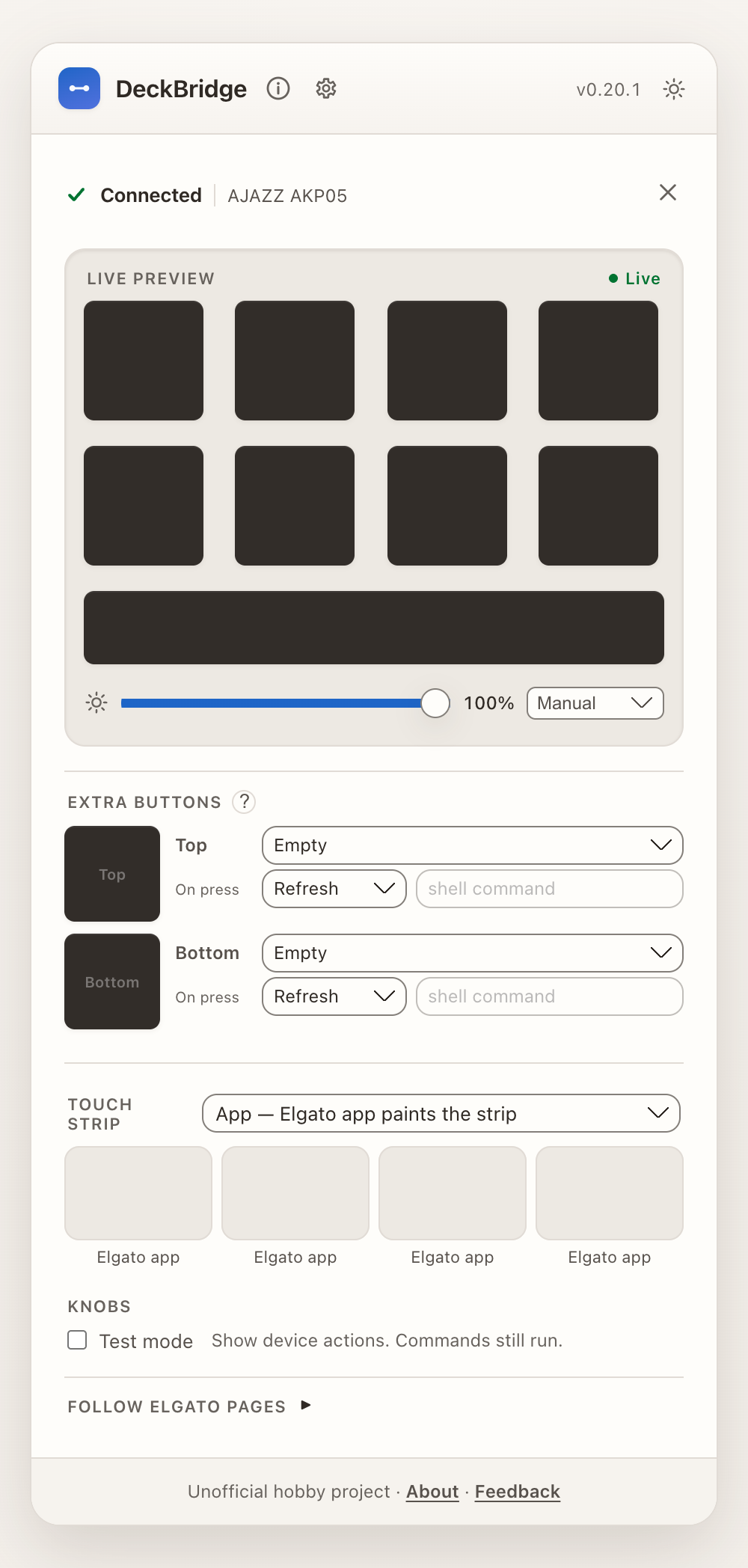
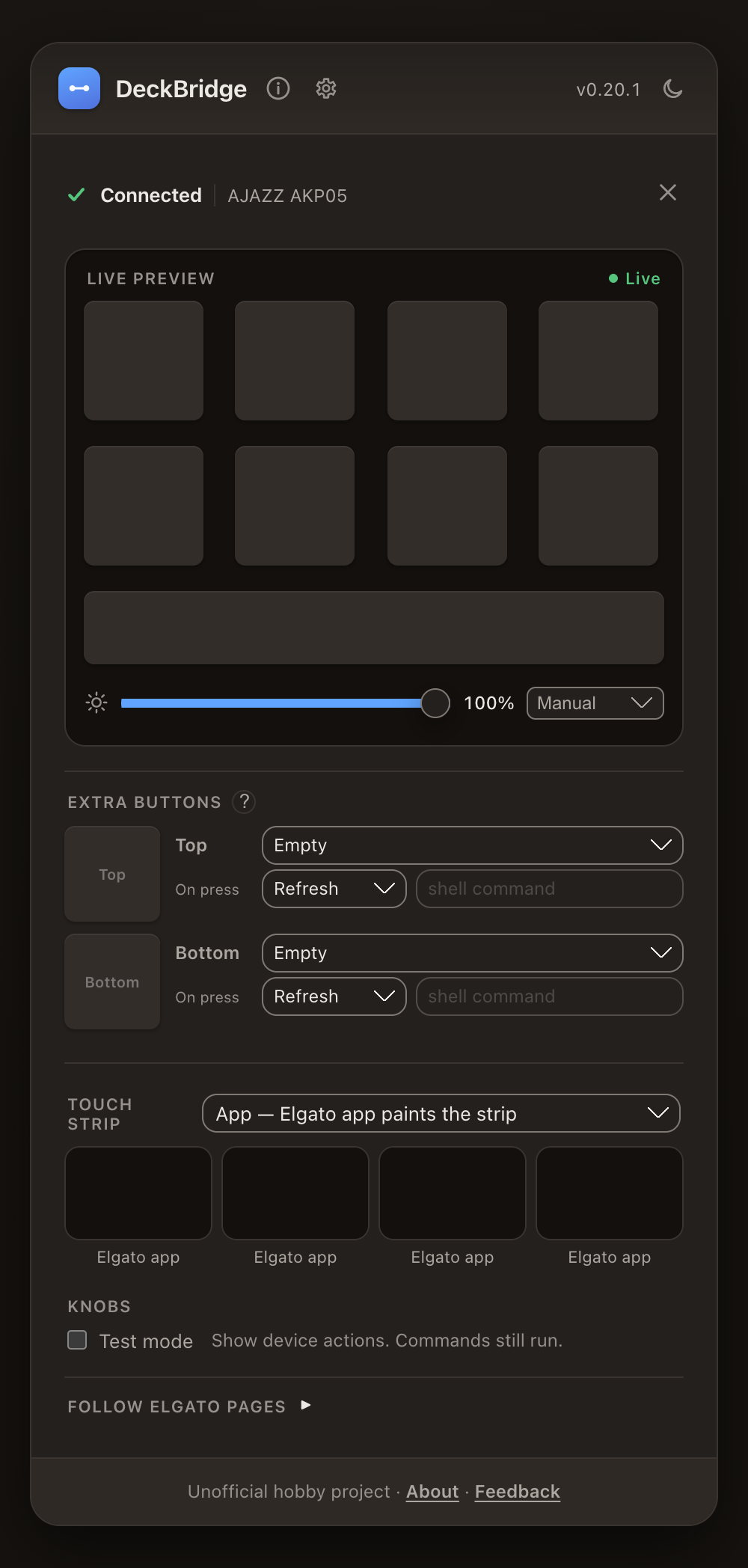
AKP05 as Elgato Stream Deck +
This mock pairing shows the AKP05's eight app keys, touch strip, side keys, and knob controls with Stream Deck + emulation.
Use cases
-
Put the deck on another computer — plug the deck into a laptop or mini-PC, run DeckBridge there, and control the Elgato app on your streaming PC across the LAN.
-
Skip the Network Dock — use a computer you already own and avoid buying the Elgato Network Dock, listed at $79.99 USD in September 2026.
Compare DeckBridge with Network Dock
DeckBridge Elgato Network Dock Cost Free software; needs a running computer. $79.99 USD hardware (September 2026). Connection USB deck plugged into that computer; the computer can use WiFi or wired LAN. Ethernet and PoE, or Ethernet with separate USB-C power. No computer needed beside the deck. Decks Supported Elgato and non-Elgato models; limited device selection. Supported Stream Deck models, including XL and +; some older models are excluded. Use Hobby project with setup flexibility; host computer must stay on. Dedicated, officially supported hardware for fixed installations; requires purchase and wired network. -
Use a real Stream Deck wirelessly — a Stream Deck Mini or MK.2 works the same way, over WiFi instead of a cable.
-
Bitfocus Companion — Companion also speaks the dock protocol and discovers DeckBridge the same way.
DeckBridge is for personal and hobby use, and does not replace the Elgato Network Dock. See the Introduction for the full disclaimer.
Multiple decks
Off by default. DeckBridge drives a single deck and, once that deck is connected,
stops scanning USB for other supported devices entirely. To use two decks at once, open
Settings → Multiple decks in the web UI and turn on Use two decks at once (stored as
"multiDeck": true in settings.json). Two decks is the maximum.
With it on, a second deck becomes its own network dock: own mDNS name, own CORA port pair (see Network ports). The web UI lists every connected deck as a card:
- Pair one at a time. Each deck shows in the Elgato app as a separate Network Dock.
An unpaired card shows an amber "Waiting for Elgato app" chip and the exact
IP : portcopy-chips for the app's Add Network Device… dialog — the port differs per deck (5343, 5345, …), so copy it from that deck's card. - Card flips green ("Paired") when the app connects — no reload. The app remembers paired docks across restarts.
- Click a card to select it — the selected deck gets the live preview and the brightness slider. Each deck keeps its own brightness (also applied per deck from the Elgato app, unless "Ignore brightness from Elgato app" is on).
Choosing which decks run. With multiple decks on, DeckBridge detects up to four plugged-in
decks and lists them under Settings → Multiple decks. Tick the (at most two) decks to run;
the rest stay idle. Your choice is stored as "activeDecks" in settings.json. With no choice
saved, the first two decks found run.
Unplugging an extra deck removes its card; replugging brings it back automatically. Turning the setting back off disconnects the second deck (its settings are kept, so switching it on again restores the dock).
Only one DeckBridge can run per machine. A second copy exits at startup with "DeckBridge is already running" (it holds loopback TCP port 44659 as a lock).
Every dock needs its own IP address in the Elgato app — see one dock per IP address. A phone or tablet can be an extra dock too: see the Browser deck.
Standby and burn-in care
Cheap LCD panels keep a ghost of a static image, and a deck left at full brightness with a stale page glares at night. Settings → Standby & burn-in care (for the selected deck) protects the panel. Everything is off by default; a deck behaves as before until you switch a piece on.
- Dim when idle — after N minutes without a key, knob or touch input, the backlight drops to the level you pick. Any input brings it back.
- Screen off — a second idle stage turns the screen off after N more minutes. How to turn
it off is
auto(the device's sleep mode where it has a verified one, else brightness 0) orbrightness0. No model uses hardware sleep yet, because it has not been verified on real hardware: today both choices write brightness 0. - Wake press — by default the first press on a dimmed or dark deck only wakes it and is not sent to the Elgato app. Switch it to Wakes and runs the key to forward it. A click in the web UI (Click to press) is never swallowed.
- When the Elgato app is away — keep the last images (default), show a dim clock, or turn the screen off. DeckBridge waits 15 s before it acts, so the app's own reconnects and restarts never flash the clock. It acts only for a paired deck (or one that was paired since DeckBridge started) and not in the first minute after DeckBridge starts. The clock moves to a new key every minute; when the app returns, its last images come back at once. The Companion app is not treated as the Elgato app.
- Night mode — between From and To the brightness is capped at the night level, and the screen can go fully dark when idle. The window follows the DeckBridge computer's clock (the web UI shows its current time), including its time zone and daylight saving.
- Pixel shift — moves the side-key and touch-strip widgets DeckBridge draws by 1 px every five minutes. The Elgato app's own key images are never shifted.
Your brightness slider keeps the level you chose; dimming only changes what the panel shows, and the header of the panel says what is on the deck now. On the Browser deck dimming and screen off work on the page, the clock choice acts as Turn the screen off, and pixel shift does not apply.
Two optional shell commands run when the screen goes off and when it wakes. They are set in
settings.json only (the web UI never shows or edits them), per device:
{
  "devices": [
    {
      "deviceKey": "usb:A00000000000",
      "standby": {
        "sleepCommand": "osascript -e 'tell application \"System Events\" to sleep'",
        "wakeCommand": "echo woke >> /tmp/deck.log"
      }
    }
  ]
}
Like command widgets, these run on your host with your rights, so
keep the Web UI off untrusted networks. A command has 10 s, its output is dropped, and only
one of each kind runs at a time. ./deckbridge diagnose --redact-commands hides them in the
report.
Click to press
Off by default. Settings → Click to press lets you double-click a key in the web UI
preview to press it on the Elgato app (Enter or Space on a focused key does the same). The
dock must be paired. Anyone who can open the web UI can then press your keys, so keep the UI
on 127.0.0.1 (the default) unless you trust the network. It is stored as
"webuiKeyPress": true in settings.json and is never taken from an imported settings file.
A virtual press is not a hardware press: key-map learn mode ignores it.
Permissions
Each permission is requested on first use; no admin / root rights are required.
| Permission | Platform | Why |
|---|---|---|
| Input Monitoring | macOS | Reading HID reports (key presses) from the deck. Grant it to the app or terminal running DeckBridge, then restart it. |
| Local Network | macOS 15+ | Advertising over Bonjour / mDNS and serving the CORA ports on the LAN. macOS may prompt on first run. |
| Firewall allow | macOS / Windows | Inbound TCP on 5343 / 5344 so the Elgato app can connect. Allow it if your firewall prompts. |
| udev rule | Linux | Opening the deck's hidraw device as a non-root user needs a udev rule; without it, DeckBridge fails with Permission denied. |
On Linux, add a udev rule (once), then unplug/replug the device:
sudo tee /etc/udev/rules.d/99-mirabox.rules <<'EOF'
SUBSYSTEM=="hidraw", ATTRS{idVendor}=="0fd9", MODE="0666"
SUBSYSTEM=="hidraw", ATTRS{idVendor}=="6603", MODE="0666"
SUBSYSTEM=="hidraw", ATTRS{idVendor}=="6602", MODE="0666"
SUBSYSTEM=="hidraw", ATTRS{idVendor}=="5548", MODE="0666"
SUBSYSTEM=="hidraw", ATTRS{idVendor}=="0300", MODE="0666"
SUBSYSTEM=="hidraw", ATTRS{idVendor}=="0200", MODE="0666"
SUBSYSTEM=="hidraw", ATTRS{idVendor}=="1500", MODE="0666"
SUBSYSTEM=="hidraw", ATTRS{idVendor}=="0b00", MODE="0666"
SUBSYSTEM=="hidraw", ATTRS{idVendor}=="0c00", MODE="0666"
SUBSYSTEM=="hidraw", ATTRS{idVendor}=="0a00", MODE="0666"
SUBSYSTEM=="hidraw", ATTRS{idVendor}=="0500", MODE="0666"
SUBSYSTEM=="hidraw", ATTRS{idVendor}=="3142", MODE="0666"
EOF
sudo udevadm control --reload-rules && sudo udevadm trigger
(0fd9 = Elgato Stream Deck MK.2 / Mini, 6603 = Mirabox 293V3 / HSV293SV3 / K1 Pro / N4E, 6602 = Mirabox N4, 5548 = Mirabox 293S / N4 Pro family / Ajazz AKP153,
0300 = Ajazz AKP153E/R (rev. 1 and rev. 2) and the AKP05 family, 0200 = Redragon SS552, 1500 = Soomfon CN003 / Streonor S10 Pro, 0b00 = Mars Gaming MSD-ONE / MSD-PRO, 0c00 = Mad
Dog GK150K, 0a00 = Risemode Vision 01, 0500 = TMICE Stream Controller, 3142 =
Fifine AmpliGame D6 (rev. 1 and rev. 2).)
Requirements
The /requirements page (tray → Check Requirements) verifies each of these at runtime:
| Requirement | macOS | Linux | Windows |
|---|---|---|---|
| libhidapi | bundled / brew install hidapi | sudo apt install libhidapi-dev | bundled |
| deckbridge-native (Rust lib) | bundled | bundled | bundled |
| mDNS | Bonjour (built in) | avahi-daemon running | built in (Win10 1803+) |
| Tray helper | bundled (installer builds) | — | bundled |
| Free TCP ports | 5343 / 5344 must be free | same | same |
Packaged releases embed libhidapi and the native library, so a source build is the only case that needs a system libhidapi installed.
Files, ports & data
DeckBridge stores no personal data and sends no telemetry.
Reads
- Its own embedded libraries (libhidapi, deckbridge-native) from inside the binary.
- The system libhidapi (source builds, or when overridden via
HIDAPI_LIB). - A handful of environment variables (below). There is no config file.
Writes
-
Native library cache — extracts the embedded libs once per version to:
- macOS:
~/Library/Caches/deckbridge/native-<build-hash>/ - Linux:
$XDG_CACHE_HOME/deckbridge/(or~/.cache/deckbridge/) - fallback: a temp directory if the cache root isn't writable
Old
native-<hash>folders from previous versions are cleaned up automatically. - macOS:
-
Settings —
settings.jsonin the cache root: per-device brightness/identity, side-key widgets, log level, device tuning (modelOverrides), the browser-deck and click-to-press opt-ins, the extensions you switched on, and push-API / browser-deck tokens (hashed; never exported). -
Extensions — only what you put in
<cache-root>/extensions/yourself; DeckBridge reads it and never writes there. See Extensions. -
Log file —
<cache-root>/logs/deckbridge.log, rotated at 2 MB with three files kept. See Troubleshooting. -
Diagnostics reports —
<cache-root>/diagnostics/, only when you ask for one. -
Debug image dumps — only when
DECKBRIDGE_DUMP_DIR/DECKBRIDGE_RAW_DUMP_DIRare set. Off by default.
Network ports
| Port | Bind | Purpose |
|---|---|---|
| 5343 | 0.0.0.0 (LAN) | CORA main server — the Elgato app connects here |
| 5344 | 0.0.0.0 (LAN) | CORA child server — image / data channel |
| 5345–5346 | 0.0.0.0 (LAN) | Second deck — its own CORA pair at +2 (only with Use two decks at once) |
| 5349–5350 | 0.0.0.0 (LAN) | The browser deck's dock (only when it is turned on) |
| 44660 | 0.0.0.0 (LAN) | Browser deck page, pairing and WebSocket (only when it is turned on; DECKBRIDGE_DECK_PORT) |
| 3000 | 127.0.0.1 (LAN with --bind) | Web UI and Push API |
mDNS _elg._tcp | LAN | Service discovery ("Network Stream Deck") |
Set DECKBRIDGE_BIND (or --bind) to change the listen address; it moves both the CORA
ports and the Web UI. The Web UI binds 127.0.0.1 unless you pass --bind.
Limitations
- Multiple decks: two USB decks — Use two decks at once docks one extra USB deck (same model is fine), each its own network dock (own mDNS name and port pair — see Network ports). A phone or tablet browser deck is one more dock on top. The web UI shows a live preview for one selected deck at a time (click its card); the others stay static.
- Keys and dials only — DeckBridge drives keys plus the AJAZZ AKP05E's four rotary encoders and its touch strip (as widget displays, or a Stream Deck + window image). The AKP05E and AKP05 pair as a Stream Deck + by default, so dials and strip swipes and taps reach the Elgato app; pick another pairing under Device tuning → Emulation profile. A strip tap lands on the centre of its zone (the strip reports four zones, not coordinates), and other Stream Deck +/Plus/Neo-style LCD strips remain out of scope.
- Fixed ports — CORA is hard-wired to 5343 / 5344 (extra decks add a fixed +2 offset per device); conflicts with a real Elgato Network Dock or a second DeckBridge instance on the same machine.
- No auth or encryption — the CORA ports trust the LAN; see Network ports.
- Elgato desktop app: one network dock per IP address — the Elgato app itself, not
DeckBridge, pairs only one network dock per IP address of the computer, whatever the
port. Use
127.0.0.1for the first deck and the computer's LAN IP (e.g.192.168.1.42) for the second. A third needs another local address, for example the loopback alias127.0.0.2(on macOS:sudo ifconfig lo0 alias 127.0.0.2 up); the web UI's Need another address? guide shows the steps and tests the address. Verified on macOS.
Environment variables
| Variable | Effect |
|---|---|
DECKBRIDGE_BIND | Bind address for the CORA servers and the browser deck (default 0.0.0.0) |
DECKBRIDGE_DECK_PORT | Browser deck page port (default 44660, no fallback) |
DECKBRIDGE_EXTENSIONS_DIR | Folder to load extensions from (default <cache-root>/extensions) |
HIDAPI_LIB | Path to a specific libhidapi |
DECKBRIDGE_NATIVE_LIB | Path to the deckbridge-native cdylib |
DECKBRIDGE_TRAY_BIN | Path to the tray helper binary |
DECKBRIDGE_OPEN | Auto-open the web UI in a browser on start |
DECKBRIDGE_MOCK | Run with a mock device in a DECKBRIDGE_BUILD_MOCK=1 development build only |
DECKBRIDGE_DUMP_DIR | Write each transformed device image here (debug) |
DECKBRIDGE_RAW_DUMP_DIR | Write paired raw + transformed images here (debug) |
DECKBRIDGE_LOG_LEVEL | Log verbosity: debug/info/warn/error/silent |
DECKBRIDGE_CACHE_DIR | Cache root (settings, logs, extracted native libs) |
DECKBRIDGE_NO_OVERRIDES | Safe mode: ignore device tuning for this session |
DECKBRIDGE_PUSH_TOKEN | Token used by deckbridge push (see Push API) |
Log verbosity resolves as --log-level > $DECKBRIDGE_LOG_LEVEL > "logLevel" in
settings.json (what the web UI's Debug logging toggle writes) > the level compiled
into the build (info for releases). See
Turning on debug logging.